

Type of course:
Digital learning, Lesson
Language:
EN
Duration:
20 minutes
Proficiency:
Beginner
Target:
Pupils, Students
SUMMARY
Want to turn simple shapes into stunning 3D designs?
This lesson will guide you through the essential techniques of manipulating shapes and transformations in TinkerCAD. You’ll learn how to harness the power of shape parameters, use the ruler tool for precision, and master resizing, scaling, aligning, and grouping objects.
Lesson will help you create accurate and visually appealing 3D models.

About The Author
Linas Kesiūnas, the founder of 3D Klasė, is a 3D printing expert with a passion for sharing knowledge and inspiring creativity. With a strong academic foundation in pedagogy and printing engineering, he has a deep understanding of both the technical and educational aspects of 3D printing.
Linas has a diverse range of experience, from developing 3D printers for educational institutions in Spain to designing large-scale industrial printers in Lithuania. This hands-on expertise allows him to provide practical insights and real-world examples in the course.
Beyond technical skills, Linas is a dedicated educator who enjoys guiding learners of all ages and backgrounds. He is committed to making 3D printing accessible and empowering individuals to bring their ideas to life.
Learning outcomes
- By the end of this module, learners will be able to create at least three different 3D shapes using custom shape parameters and accurately measure, align, and position them using the ruler tool in TinkerCAD.
- Learners will be able to resize and scale 3D objects to match given dimensions within ±1 mm accuracy and align at least three objects to form a symmetrical structure.
- Learners will be able to group and ungroup a set of 3 or more objects to simplify a design and apply at least two precision techniques to ensure accuracy in their final 3D model.
Topics
Digital Transformation, Computer-Aided Design (CAD)
Provided by
-
LINPRA

 +57
enrolled
+57
enrolled
Course Includes
- 1 Quiz
Related
-
 Intermediate
Augmenting Workers
By Faculty of Engineering of University of PortoThis lesson discusses technologies that enhance human capabilities in the workplace, such as exoskeletons and augmented reality, empowering workers to perform complex tasks more efficiently and safely.
Digital learning, Lesson- Quiz1
-
 Intermediate
Data Analytics for Energy Efficiency and Sustainability
By Faculty of Engineering of University of PortoThis lesson focuses on using real-time data analytics to optimize energy usage in industrial settings, reducing waste, and improving sustainability through smart energy management systems.
Digital learning, Lesson- Quiz1
-
 Intermediate
Augmented Reality Application Development for Equipment Health Monitoring
By Laboratory for Manufacturing Systems and Automation of Patras - Laboratory for Manufacturing Systems and Automation of PatrasThis lesson teaches learners how to design Augmented Reality (AR) applications for monitoring equipment health. They will learn to formulate microservices for AR-based monitoring, create data monitoring and visualization workflows, and develop AR modules that provide real-time monitoring of equipment performance.
Digital learning, Lesson -
 Intermediate
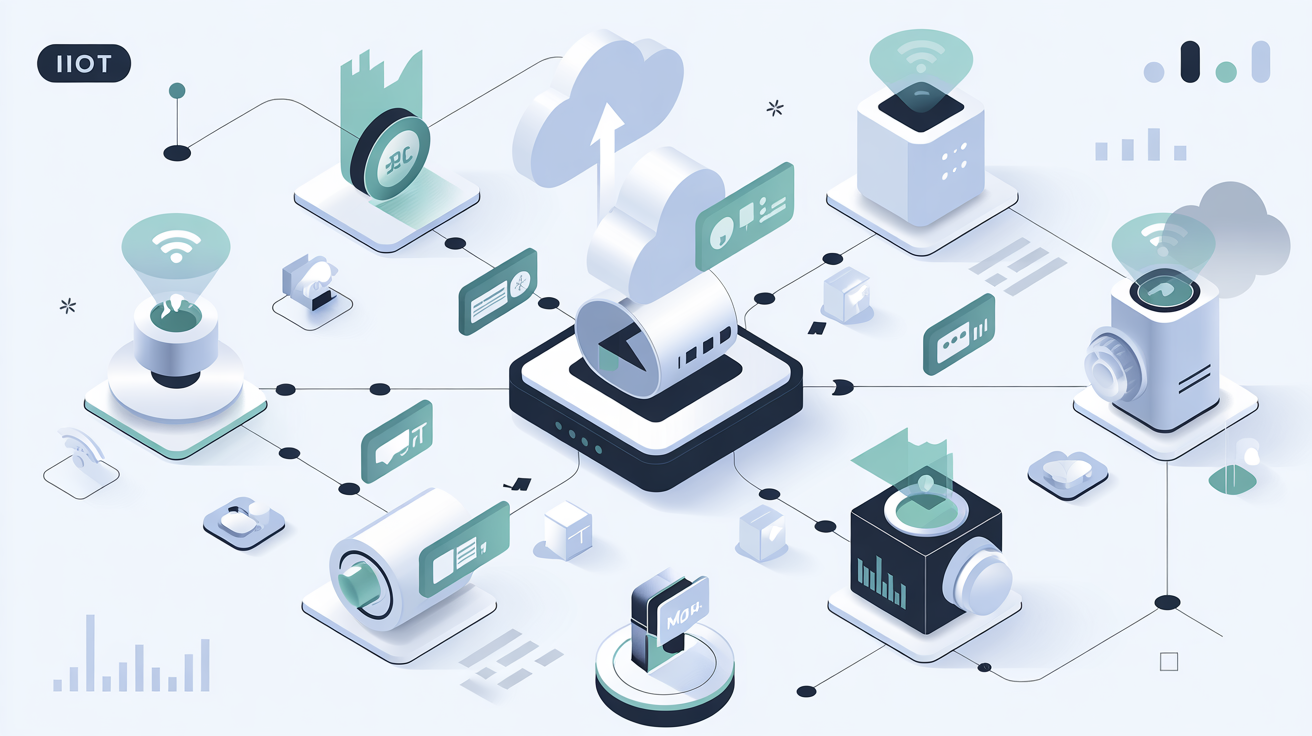
Introduction to MQTT
By Beia Consult InternationalMessage Queuing Telemetry Transport (MQTT) is a lightweight messaging protocol for Internet of Things (IoT), using a publish/subscribe model for efficient, real-time communication. Common uses include smart homes, industrial automation, and environmental monitoring.
Digital learning, Lesson- Quiz1
-
 Intermediate
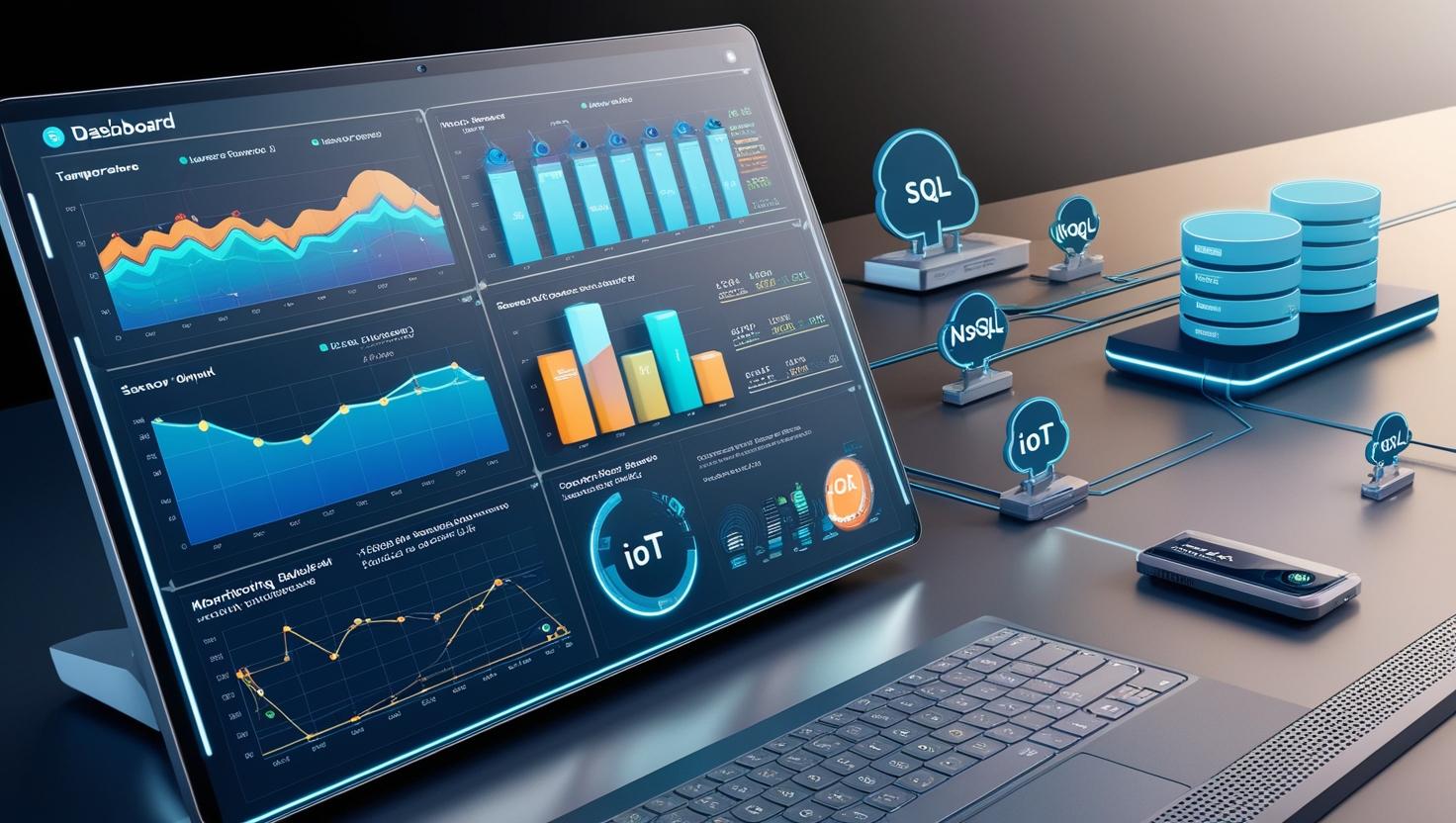
Introduction to Time Series Databases
By Beia Consult InternationalTime Series Databases (TSDBs) efficiently store and retrieve time-stamped data for applications like IoT, monitoring, and finance. They come in SQL-based (e.g., MySQL, PostgreSQL) for structured queries and NoSQL-based (e.g., InfluxDB, MongoDB) for scalability and high-velocity data handling. The choice depends on data volume, query complexity, and scalability needs.
Digital learning, Lesson- Quiz1
-
 Intermediate
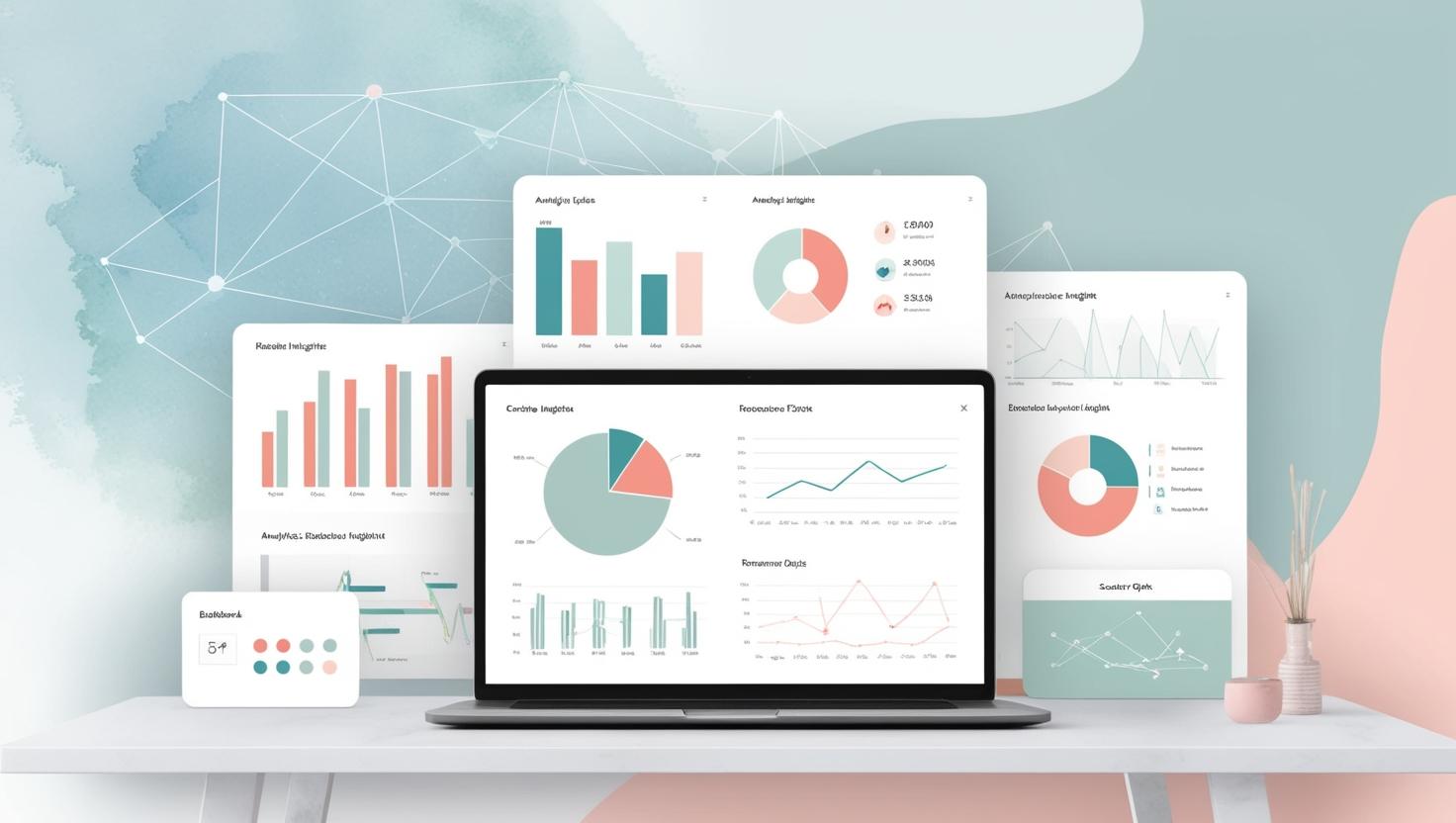
Introduction to Data Visualisation
By Beia Consult InternationalData visualization simplifies complex data through graphs, charts, and dashboards, enabling quick insights for decision-making. Grafana, a powerful open-source tool, supports real-time monitoring, interactive dashboards, and multi-source data integration for IoT, business intelligence, and analytics.
Digital learning, Lesson- Quiz1
-
 Intermediate
How Grafana Is Used in IoT Applications
By Beia Consult InternationalThis course explores how Grafana enhances IoT monitoring with real-time dashboards. Learn to integrate data sources, configure visualizations, and set up alerts for insights in smart homes, industrial IoT, and environmental monitoring.
Digital learning, Lesson- Quiz1
-
 Beginner
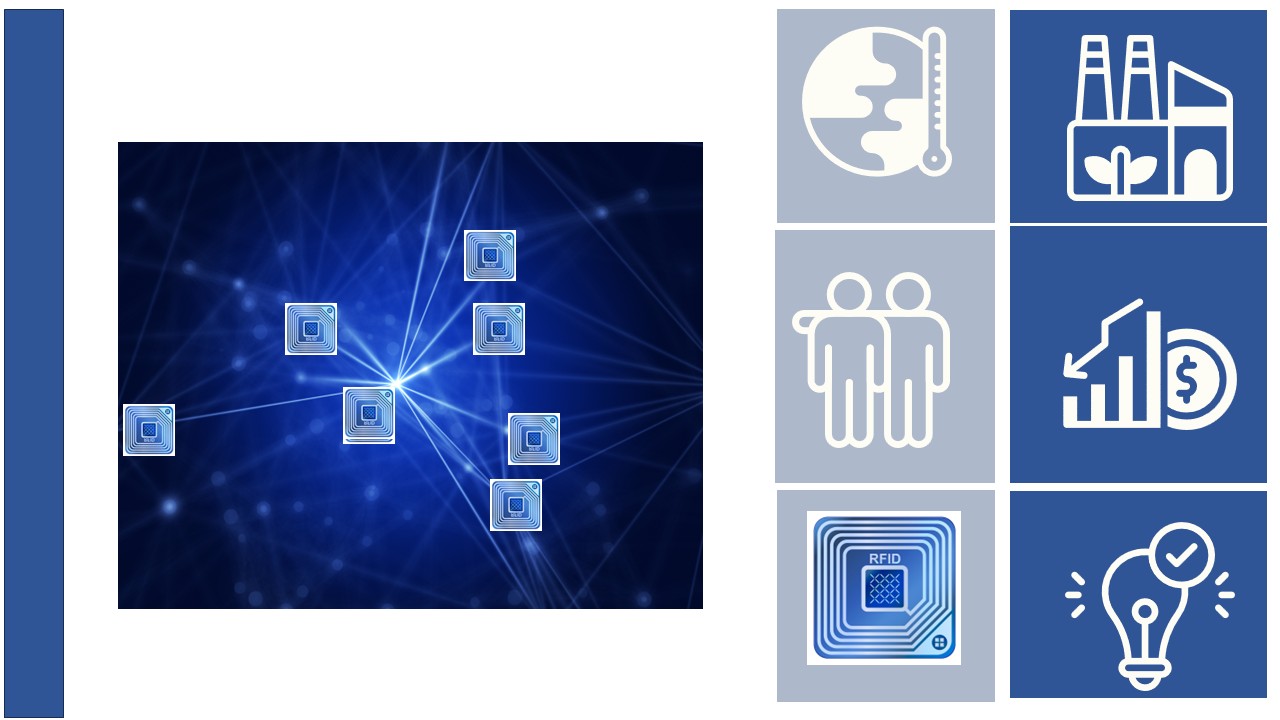
Track and Trace with Radio Frequency Identification
By JOANNEUM RESEARCHThis learning path is designed to provide students with an introduction to the concepts of Radio Frequency Identification technology for use in track and trace applications. This includes detailed explanations and descriptions of RFID readers, tags and Near Field Communication (NFC) technology.
Digital learning, Path- Course Certificate
49 € -
 Beginner
Near Field Communication
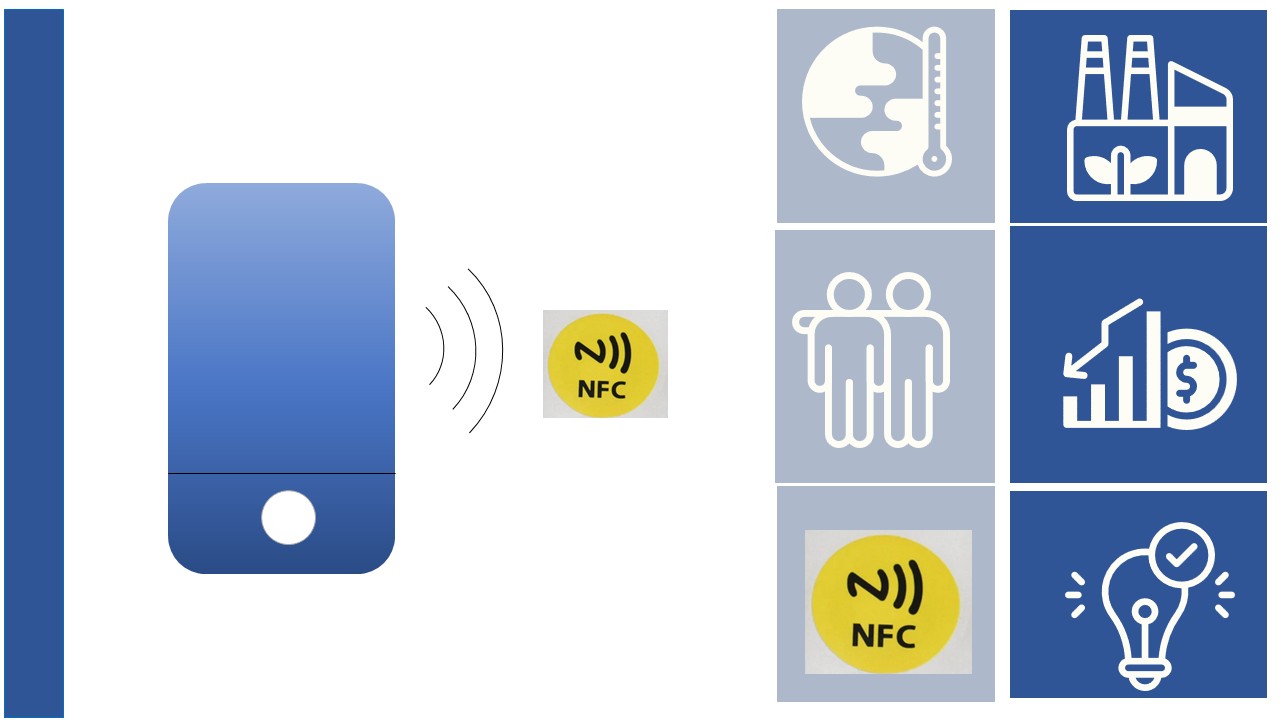
By JOANNEUM RESEARCHThis lesson explains Near Field Communication (NFC). NFC is a technology that allows you to interact securely with the world around you by simply touching it. NFC wireless technology is found in billions of smartphones, tablets, consumer and industrial electronics.
Digital learning, Lesson- Quiz1
-
 Beginner
Radio Frequency Identification Tags
By JOANNEUM RESEARCHIn this lesson, we will describe Radio Frequency Identification (RFID) tags. RFID tags are small, wireless devices that use radio waves to identify and track objects. They consist of a microchip and an antenna, and can be attached to or embedded in a variety of objects to enable automated data collection and management. There are many different RFID tags to choose from, depending on the application and environmental factors.
Digital learning, Lesson- Quiz1
-
Beginner
Introduction in Radio Frequency Identification Technology
By JOANNEUM RESEARCHThe learning material starts with asset tracking with Radio Frequency Identification (RFID). Asset tracking is an increasingly important key technology for industrial manufacturing companies. Digital asset tracking brings greater transparency to the production process, allowing you to see the progress and status of your production line at any time. In this learning resource, we explain exactly what the concept means and what the benefits are for companies.In this lesson, we will introduce the basic key concepts of RFID technology.
Digital learning, Lesson- Quiz1
-
 Intermediate
Radio Frequency Identification Readers
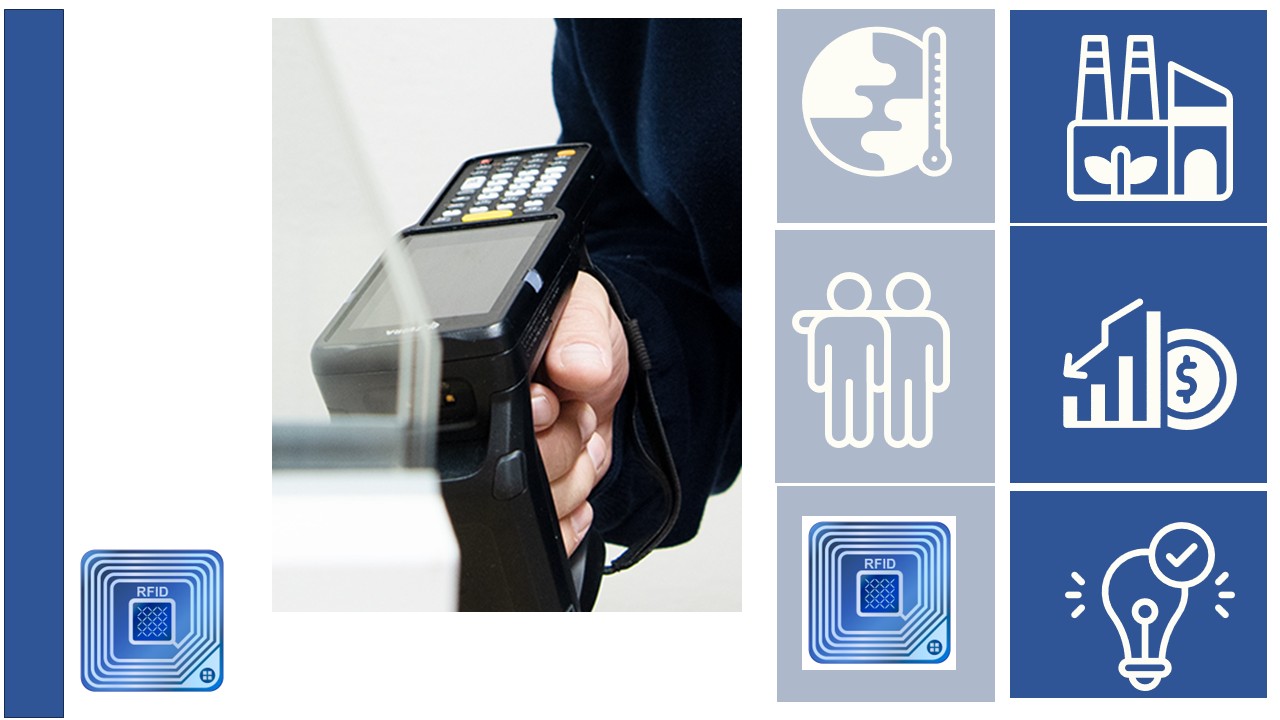
By JOANNEUM RESEARCHIn this lesson, we will describe Radio Frequency Identifier (RFID) readers. RFID readers are devices that use radio waves to identify and track tags attached to objects. The reader sends a signal that activates the tag, which then sends its unique identification information back to the reader wirelessly.
Digital learning, Lesson- Quiz1