


Type of course:
Digital learning, Path
Language:
EN
Duration:
2 hours
Proficiency:
Beginner
Target:
Professionals, Students, Workers
SUMMARY
What if expert training appeared right on your workbench?
RTXRoom is D-Cube’s immersive XR training application for Microsoft HoloLens 2 that brings step-by-step 3D assembly guidance, multi-user collaboration, and remote expert support directly to the shop floor. Powered by XR2Learn’s Personalization Enablers, RTXRoom adapts instruction in real-time to each learner’s needs and pace.
In this hands-on introductory lesson you’ll learn how to set up your HoloLens, launch RTXRoom, and navigate its core tools: loading an assembly scenario, manipulating 3D models, following guided steps, joining a shared (classroom-like) session, and requesting remote assistance via the Streaming Editor. You’ll also see how the Personalization Panel recommends difficulty and captures your self-reports to keep you engaged. We’ll close with a short reflection and quiz on how XR supported your learning.

About The Author
Paschalis Choropanitis – XR Developer at D-Cube. Paschalis is a software engineer specialized in computer graphics and Unity, with XR development experience for industrial training. He is the developer of RTXRoom and related tools (Narrative Editor, Streaming Editor) and contributes to EU-funded XR initiatives.
Learning outcomes
- Operate RTXRoom end-to-end: install/launch on HoloLens 2, load scenarios, navigate the UI safely and efficiently.
- Conduct a training session: select the appropriate assembly scenario, use remote assistance & multi-user features, and manage basic troubleshooting.
- Apply personalization & evaluation: configure user/activity levels, interpret in-app feedback, and run a short post-session UX survey/quiz to assess learning and experience.
LessonRTXRoom - Run a Training Session
Course Content
Topics
Advanced Manufacturing, Digital Transformation, Augmented Reality (AR)
Related
-
 Intermediate
Augmenting Workers
By Faculty of Engineering of University of PortoThis lesson discusses technologies that enhance human capabilities in the workplace, such as exoskeletons and augmented reality, empowering workers to perform complex tasks more efficiently and safely.
Digital learning, Lesson- Quiz1
-
 Intermediate
Data Analytics for Energy Efficiency and Sustainability
By Faculty of Engineering of University of PortoThis lesson focuses on using real-time data analytics to optimize energy usage in industrial settings, reducing waste, and improving sustainability through smart energy management systems.
Digital learning, Lesson- Quiz1
-
 Intermediate
Digital Technologies Enabling Industry 5.0
By Faculty of Engineering of University of PortoThis lesson introduces key digital technologies driving Industry 5.0, such as AI, IoT, and cobotics, highlighting how they enhance efficiency, sustainability, and human-machine collaboration.
Digital learning, Lesson- Quiz1
-
 Intermediate
Augmented Reality Application Development for Equipment Health Monitoring
By Laboratory for Manufacturing Systems and Automation of Patras - Laboratory for Manufacturing Systems and Automation of PatrasThis lesson teaches learners how to design Augmented Reality (AR) applications for monitoring equipment health. They will learn to formulate microservices for AR-based monitoring, create data monitoring and visualization workflows, and develop AR modules that provide real-time monitoring of equipment performance.
Digital learning, Lesson -
 Intermediate
Introduction to MQTT
By Beia Consult InternationalMessage Queuing Telemetry Transport (MQTT) is a lightweight messaging protocol for Internet of Things (IoT), using a publish/subscribe model for efficient, real-time communication. Common uses include smart homes, industrial automation, and environmental monitoring.
Digital learning, Lesson- Quiz1
-
 Intermediate
Introduction to Time Series Databases
By Beia Consult InternationalTime Series Databases (TSDBs) efficiently store and retrieve time-stamped data for applications like IoT, monitoring, and finance. They come in SQL-based (e.g., MySQL, PostgreSQL) for structured queries and NoSQL-based (e.g., InfluxDB, MongoDB) for scalability and high-velocity data handling. The choice depends on data volume, query complexity, and scalability needs.
Digital learning, Lesson- Quiz1
-
 Intermediate
Introduction to Data Visualisation
By Beia Consult InternationalData visualization simplifies complex data through graphs, charts, and dashboards, enabling quick insights for decision-making. Grafana, a powerful open-source tool, supports real-time monitoring, interactive dashboards, and multi-source data integration for IoT, business intelligence, and analytics.
Digital learning, Lesson- Quiz1
-
 Intermediate
How Grafana Is Used in IoT Applications
By Beia Consult InternationalThis course explores how Grafana enhances IoT monitoring with real-time dashboards. Learn to integrate data sources, configure visualizations, and set up alerts for insights in smart homes, industrial IoT, and environmental monitoring.
Digital learning, Lesson- Quiz1
-
 Beginner
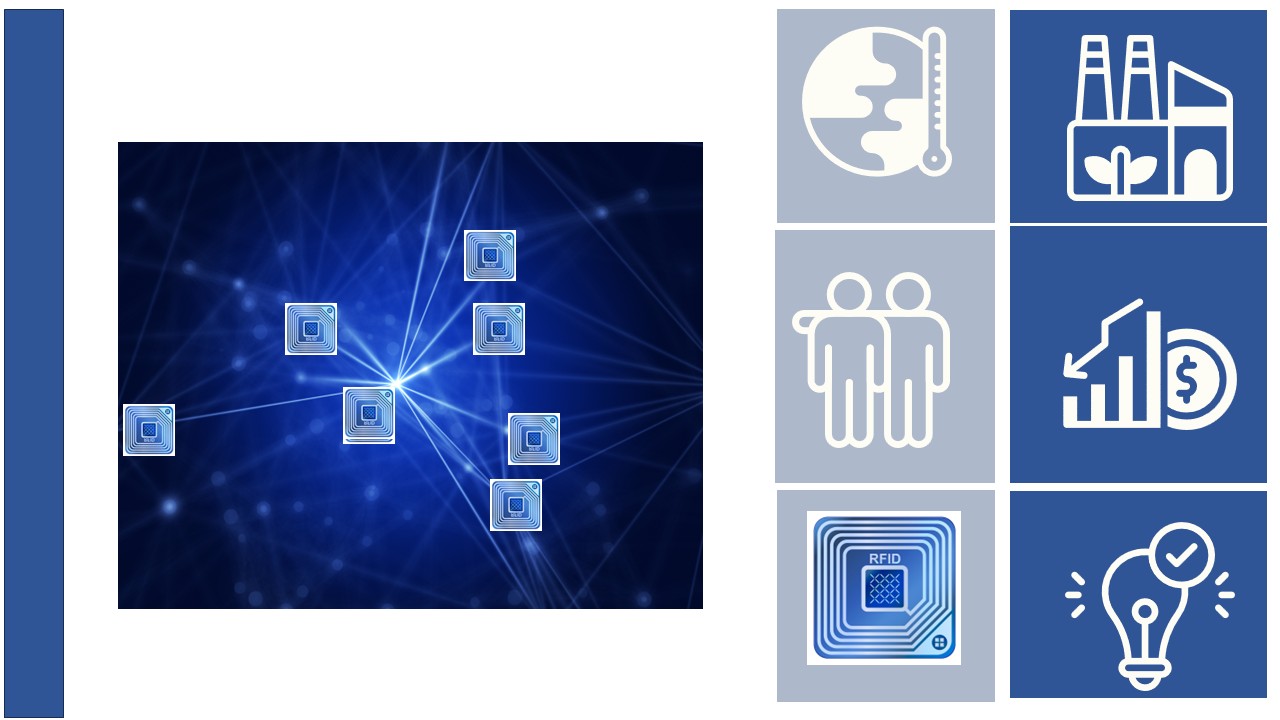
Track and Trace with Radio Frequency Identification
By JOANNEUM RESEARCHThis learning path is designed to provide students with an introduction to the concepts of Radio Frequency Identification technology for use in track and trace applications. This includes detailed explanations and descriptions of RFID readers, tags and Near Field Communication (NFC) technology.
Digital learning, Path- Course Certificate
49 € -
 Beginner
Near Field Communication
By JOANNEUM RESEARCHThis lesson explains Near Field Communication (NFC). NFC is a technology that allows you to interact securely with the world around you by simply touching it. NFC wireless technology is found in billions of smartphones, tablets, consumer and industrial electronics.
Digital learning, Lesson- Quiz1
-
 Beginner
Radio Frequency Identification Tags
By JOANNEUM RESEARCHIn this lesson, we will describe Radio Frequency Identification (RFID) tags. RFID tags are small, wireless devices that use radio waves to identify and track objects. They consist of a microchip and an antenna, and can be attached to or embedded in a variety of objects to enable automated data collection and management. There are many different RFID tags to choose from, depending on the application and environmental factors.
Digital learning, Lesson- Quiz1
-
Beginner
Introduction in Radio Frequency Identification Technology
By JOANNEUM RESEARCHThe learning material starts with asset tracking with Radio Frequency Identification (RFID). Asset tracking is an increasingly important key technology for industrial manufacturing companies. Digital asset tracking brings greater transparency to the production process, allowing you to see the progress and status of your production line at any time. In this learning resource, we explain exactly what the concept means and what the benefits are for companies.In this lesson, we will introduce the basic key concepts of RFID technology.
Digital learning, Lesson- Quiz1