

Type of course:
Digital learning, Lesson
Language:
EN
Duration:
20 minutes
Workload:
35 hours
Proficiency:
Beginner
Target:
Professionals, Pupils, Students
This lesson has been developed as part of the ‘Manufacturing a Healthy Future’ programme, which focuses on strengthening the engagement of primary schools with STEM and manufacturing. The programme utilises 3D printing as an exemplar technology to promote the exciting career opportunities in manufacturing, while also focusing on sustainability and diversity in STEM.
SUMMARY
Adding the correct support material to a 3D model can be a crucial step in successful 3D printing. In this lesson, learners will go through the step-by-step process of adding support material to 3D models using Prusa Slicer Software. Different types of supports and different methods of application will be addressed – ensuring that you will be one step closer to printing successfully in 3D!
This lesson is designed for beginners and those just starting their 3D printing journey – but may also prove a useful refresher for more experienced users.
In order to complete this lesson, you will need to have the Prusa Slicer software installed to your computer. You can download Prusa Slicer at this link.
All screenshots in this lesson are taken from Prusa Slicer version 2.8.1, and video content is taken from Prusa Slicer version 2.6.1.

About The Author
Michael Golden is the Education & Public Engagement Manager of the I-Form Research Centre, based at University College Dublin in Ireland. He has managed several national and Europe-wide education projects which focus on 3D printing and manufacturing, including the development of educational resources in 3D printing for schools.
Learning outcomes
- By the end of this lesson, learners will be able to identify where supports may be needed on a 3D model.
- By the end of this lesson, learners will be able to use the Prusa Slicer software to add different types of support material to a 3D model (including 'organic' and 'grid' supports).
- By the end of this lesson, learners will be able to use the 'paint on' feature in Prusa Slicer to add support material to a 3D model.
Course Content
Topics
Environmental Sustainability, Advanced Manufacturing, Sustainable Energy and Clean Technologies, Design Thinking, Sustainable Manufacturing, Transversal Skills, Additive Manufacturing, Problem Solving, Manufacturing for Pupils
Tags
Sustainability
Provided by
-
University College Dublin

 +57
enrolled
+57
enrolled
Course Includes
- 1 Quiz
Related
-
 Intermediate
Circularity and Information Sharing for Resilient Value Chains
By Faculty of Engineering of University of PortoThis lesson explores strategies for creating circular, sustainable value chains, emphasizing the importance of information sharing and collaboration to build resilience, particularly in critical sectors like automotive and electronics.
Digital learning, Lesson- Quiz1
-
 Intermediate
Augmenting Workers
By Faculty of Engineering of University of PortoThis lesson discusses technologies that enhance human capabilities in the workplace, such as exoskeletons and augmented reality, empowering workers to perform complex tasks more efficiently and safely.
Digital learning, Lesson- Quiz1
-
 Intermediate
Data Analytics for Energy Efficiency and Sustainability
By Faculty of Engineering of University of PortoThis lesson focuses on using real-time data analytics to optimize energy usage in industrial settings, reducing waste, and improving sustainability through smart energy management systems.
Digital learning, Lesson- Quiz1
-
 Intermediate
Digital Technologies Enabling Industry 5.0
By Faculty of Engineering of University of PortoThis lesson introduces key digital technologies driving Industry 5.0, such as AI, IoT, and cobotics, highlighting how they enhance efficiency, sustainability, and human-machine collaboration.
Digital learning, Lesson- Quiz1
-
 Intermediate
Introduction to Industry 5.0
By Faculty of Engineering of University of PortoThis lesson explores the evolution from Industry 4.0 to Industry 5.0, emphasizing human-centric, sustainable, and resilient manufacturing systems, where humans and advanced technologies co-create value.
Digital learning, Lesson- Quiz1
-
 Intermediate
Industry 5.0: Transition to Sustainable, Human-Centric and Resilient Manufacturing
By Faculty of Engineering of University of PortoThis course explores the evolution from Industry 4.0 to Industry 5.0, highlighting the shift towards sustainable, human-centric, and resilient manufacturing practices. Learners will gain a comprehensive understanding of Industry 5.0 fundamentals, focusing on its core principles and distinct differences from previous industrial revolutions. The course delves into the integration of advanced digital technologies, such as real-time data analytics and automation, to enhance energy efficiency and operational sustainability in industrial settings. Participants will learn to identify inefficiencies and propose value-driven improvements. Additionally, the course covers the application of human-robot collaborative systems, emphasizing intelligent collaborative cells that facilitate safe and efficient human-robot interaction, thereby contributing to enhanced resilience in manufacturing processes.
Digital learning, Path- Course Certificate
49 € -
 Intermediate
Augmented Reality Application Development for Equipment Health Monitoring
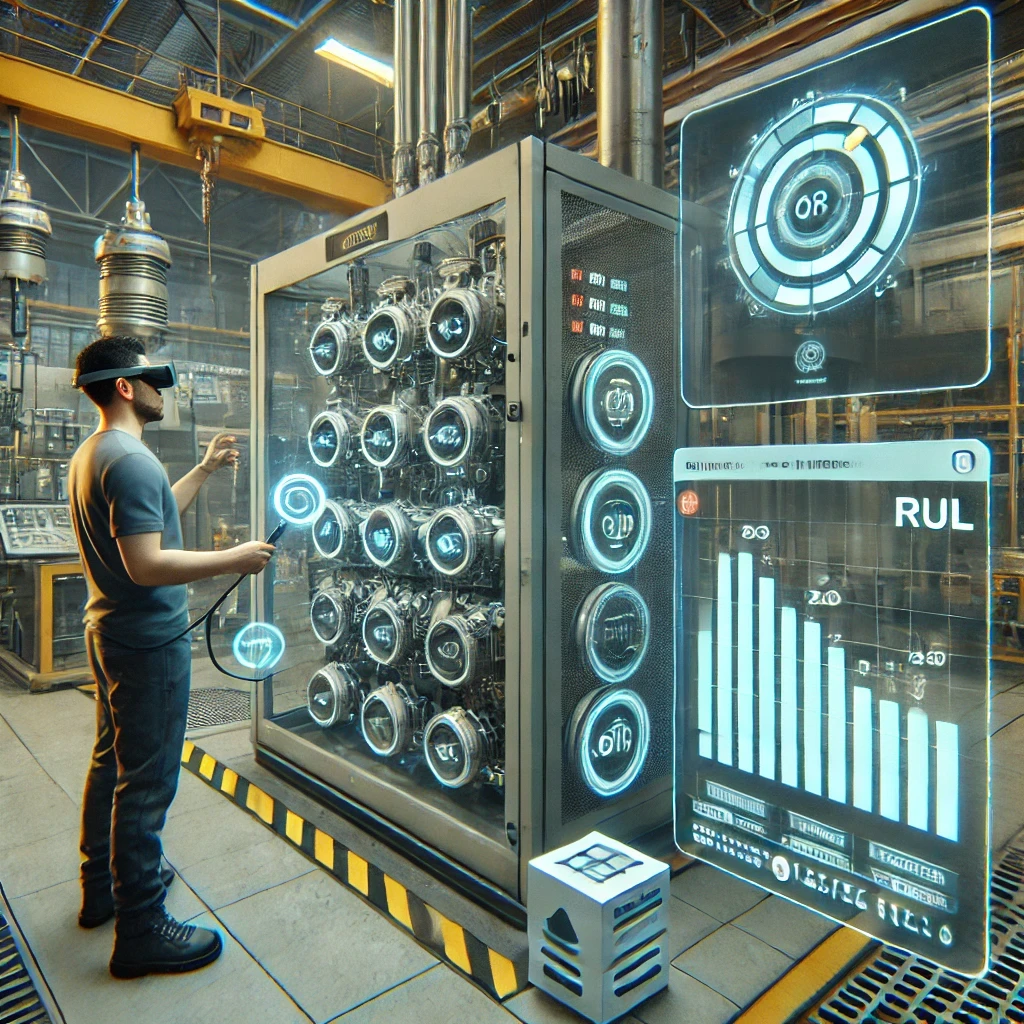
By Laboratory for Manufacturing Systems and Automation of Patras - Laboratory for Manufacturing Systems and Automation of PatrasThis lesson teaches learners how to design Augmented Reality (AR) applications for monitoring equipment health. They will learn to formulate microservices for AR-based monitoring, create data monitoring and visualization workflows, and develop AR modules that provide real-time monitoring of equipment performance.
Digital learning, Lesson -
 Intermediate
Digital Product Passport - Information Model
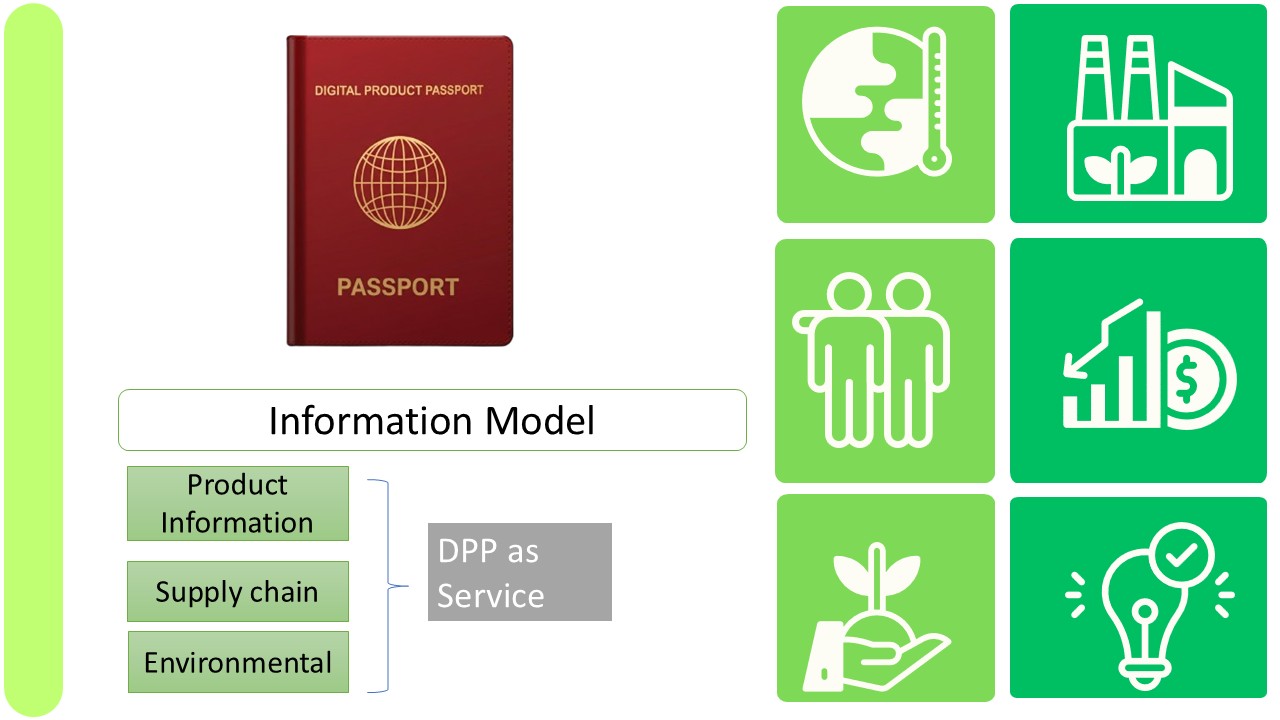
By JOANNEUM RESEARCHIn this lesson, we will introduce the motivation and the key facts and concepts of the Digital Product Passport (DPP). We will begin by examining the motivation for and the benefits of a Digital Product Passport. We will then proceed to the key facts and background information. Finally, we will conclude with a review of the relevant information blocks of the DPP.
Digital learning, Lesson- Quiz1
-
 Intermediate
Digital Product Passport - Software as a Service
By JOANNEUM RESEARCHThe Digital Product Passport as a service for SMEs enables the digital capture and management of product data throughout its entire lifecycle. This increases transparency and traceability in the supply chain and facilitates compliance with legal requirements. The DPP as a Service-based solution means that SMEs benefit from low implementation costs and maximum flexibility.
Digital learning, Lesson- Quiz1
-
 Intermediate
Digital Product Passport - Near Field Communication as a Marking Technology
By JOANNEUM RESEARCHThis lesson explains the steps involved in using Near Field Communication tags as a data carrier. We show how this can be implemented and give an outlook on upcoming activities regarding the Near Field Communication Digital Product Passport standard.
Digital learning, Lesson- Quiz1
-
 Intermediate
Digital Product Passport - Marking Technologies
By JOANNEUM RESEARCHThis learning lesson explains the steps involved in using marking technologies such as Barcode 128, Data Matrix or Quick Response (QR) code as a data carrier. It also shows how to implement it.
Digital learning, Lesson- Quiz1
-
 Intermediate
Digital Product Passport – Regulations
By JOANNEUM RESEARCHIn this lesson, we will present the motivation and the most important facts regarding regulation in the EU. Furthermore, we will discuss the most important time schedules for familiarizing yourself with the new EU regulations. Finally, we will provide an overview of the relevant information blocks of the DPP.
Digital learning, Lesson- Quiz1